What Does the Thumbs Up Emoji 👍 Mean? Copy and Use It
Copy the thumbs up emoji 👍, learn its approval meaning, and understand when context can make it seem sarcastic or passive-aggressive.
On this page
What Does the Thumbs Up Emoji 👍 Mean?
Copy this emoji: 👍. Paste it into your message’s text field.
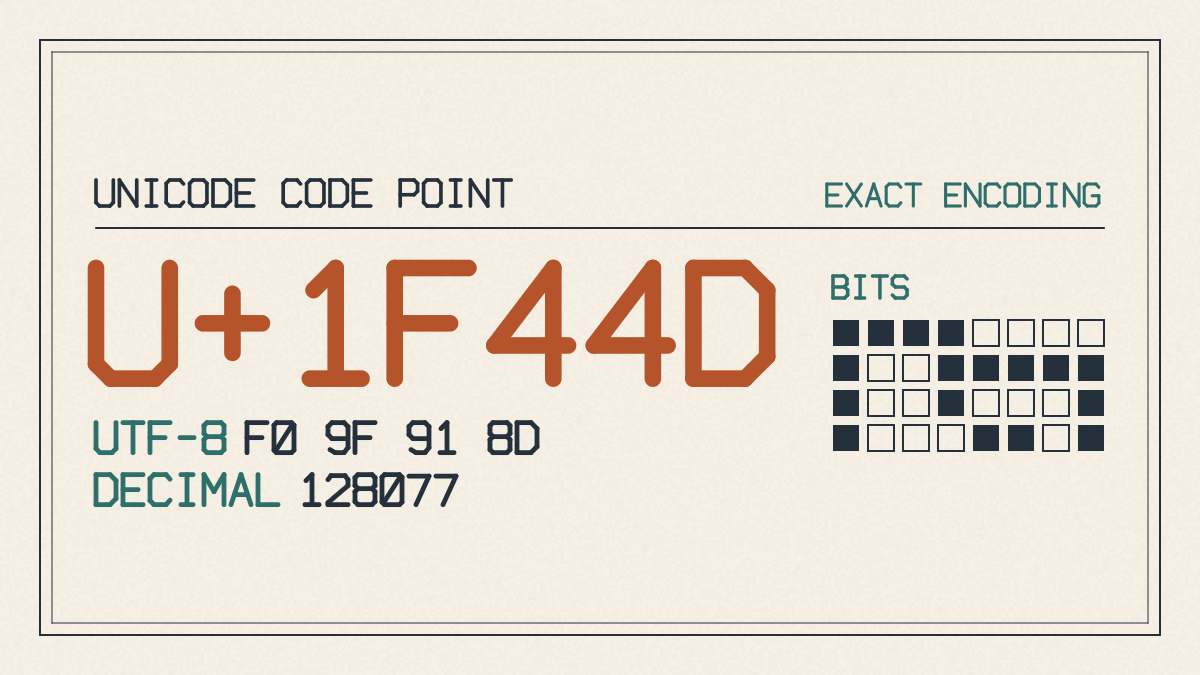
The thumbs up emoji is a great way to show approval, but you can’t always rely on it as proof of intent. It’s important to remember that emojis are very context-dependent. That means what one person might mean by an emoji, another person may completely misunderstand.
I’ve used this emoji before when I want to say “Thanks!” or “You’re welcome!” and have found that people usually understand it in that context. But other times, I’ve seen it used sarcastically or even as passive-aggressive commentary. So if the intended response matters, I’d suggest using explicit words rather than relying on the emoji alone. Try “I agree” for agreement or “Thanks, confirmed” for acknowledgment.
But if you do decide to use it, here’s how you can insert the thumbs up emoji into your messages.
iPhone and iPad
If you’re using an iPhone or iPad, you can use the Emoji keyboard. If you don’t see it, go to Settings > General > Keyboard > Keyboards > Add New Keyboard, then tap Emoji.
Open any app where you can enter text, like Mail or Messages, and tap the text field where you want to type your message. Then tap the Emoji button or the globe on your keyboard.
In the Search Emoji field, search for the thumbs up emoji 👍. Tap the thumbs up emoji to insert it into your message.
If you want to change the skin tone, you’ll need to touch and hold the emoji until it changes skin tones. Then just tap the emoji you want to insert into your message. In apps using the standard keyboard, holding certain emoji opens skin-tone choices.